















Schoolyi

One connected school. Every team moving forward.

SchoolyiUnified School Management Platform for Modern Schools

Schoolyi connects admissions, academics, fees, exams, HR, and family portals in one cloud platform, so every team works from the same student records and school calendar.

Start with the workflows you need now. Add more as your school grows. See connected school workflows

Explore the workflows that keep your school moving

Explore connected workflows across admissions, academics, finance, operations, and family tools. Start with the workflows you need now and add more over time.

Explore the workflows that keep your school moving · Platform & setup

Set roles, permissions, calendar, and AI foundations before teams start work.

Explore the full school ERP platformExplore the full school ERP platform

Work from anywhere

Your school workspace, wherever work happens

Give staff and families access to the same school workflows on phones, tablets, and desktops, without creating a separate process for each device.

One experience across every screen

Staff can manage daily work from a browser, while families check what they need from the device already in hand.

  • Phone-friendly staff and family access
  • Tablet-ready workflows for daily operations
  • Desktop access for deeper administration

Embedded AI

AI support for staff and learners

Help staff resolve operational questions and give learners guided practice, with deployment choices that fit your school.

Embedded AI

AI support for staff and learners

Help staff resolve operational questions and give learners guided practice, with deployment choices that fit your school.

Embedded AI

Your AI subscription

Use keys your school already owns

See AI and MCP modules
Bring your own

Doubt Guide

Work through a question with hints and small checks for understanding.

Grade 7SciencePhotosynthesis
Already pay for OpenAI, Anthropic, Google, or another provider? Connect your API keys in Schoolyi and route approved chat and learning features through your existing subscription and spend controls.

Already pay for OpenAI, Anthropic, Google, or another provider? Connect your API keys in Schoolyi and route approved chat and learning features through your existing subscription and spend controls.

Embedded AI

Included with Schoolyi

Built-in local LLM models

Schoolyi runs local models on your server for AI Chat and Learning Studio. Staff get help, drafts, and text polish; learners get grade-aware guidance without sending student data to a public chatbot.

  • Local worker on your Schoolyi server
  • AI Chat for help, drafts, polish, and read-only counts
  • Learning Studio with 12 guided tools
  • No separate AI vendor subscription required

Bring your own

Your AI subscription

Already pay for OpenAI, Anthropic, Google, or another provider? Connect your API keys in Schoolyi and route approved chat and learning features through your existing subscription and spend controls.

  • Use keys your school already owns
  • Keep billing with your chosen vendor
  • Same role gates for chat and learning
  • Switch or mix providers per school policy

MCP server for approved integrations

Platform admins can register MCP servers so external AI tools call Schoolyi with the same permissions as a signed-in staff member.

See AI and MCP modules

Built around your team

Give each role a clearer way to work

See how leaders, teachers, finance teams, and families use Schoolyi to complete the work they own.

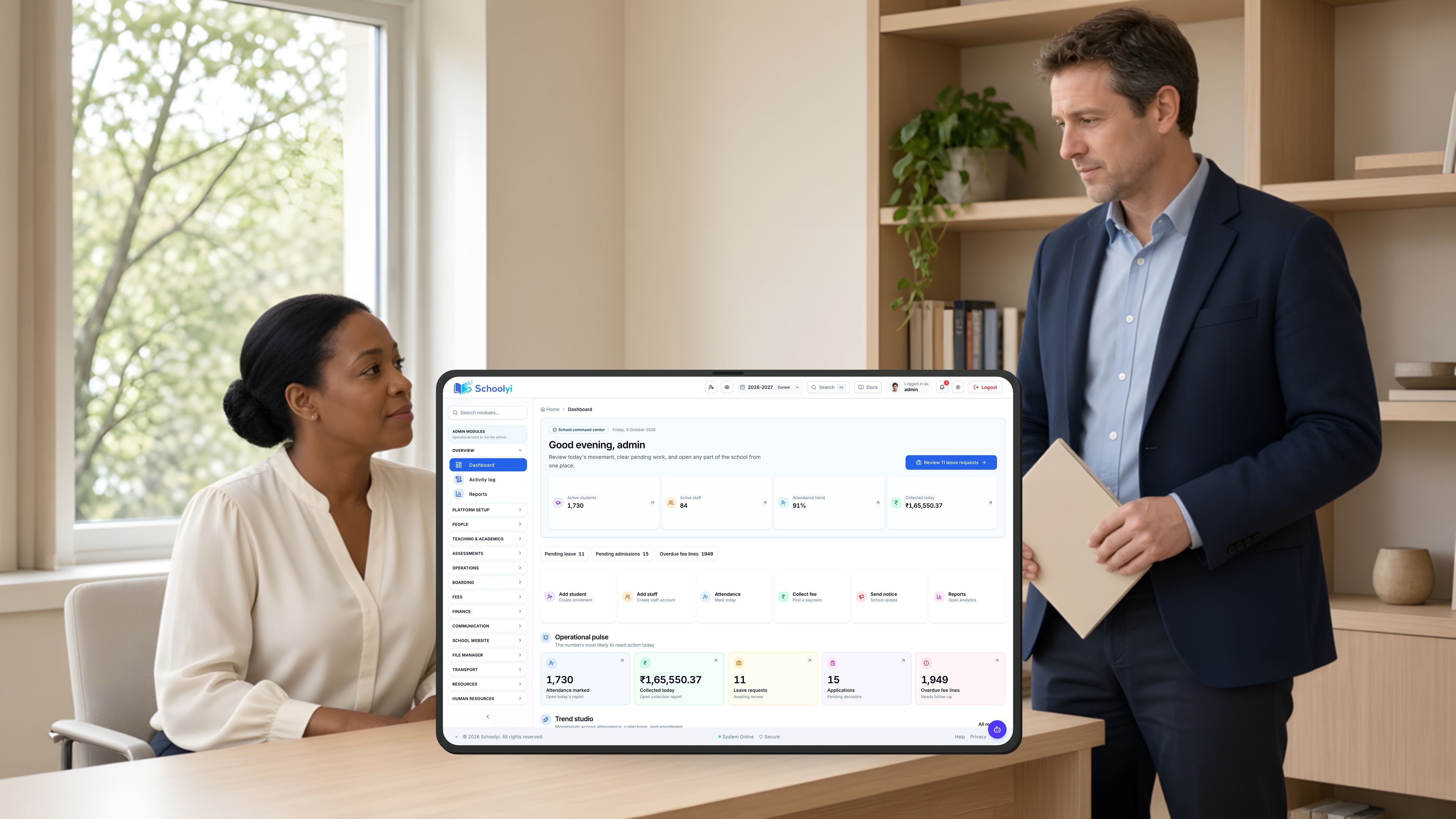
  • School principal and deputy head reviewing reports in a modern office

    Leadership & principals

    One operational picture across the school year

    See admissions intake, collections, attendance gaps, and exam readiness in the same operating view. Drill from a number into the record behind it instead of waiting for another spreadsheet.

    • Dashboard and finance insights for day to day visibility
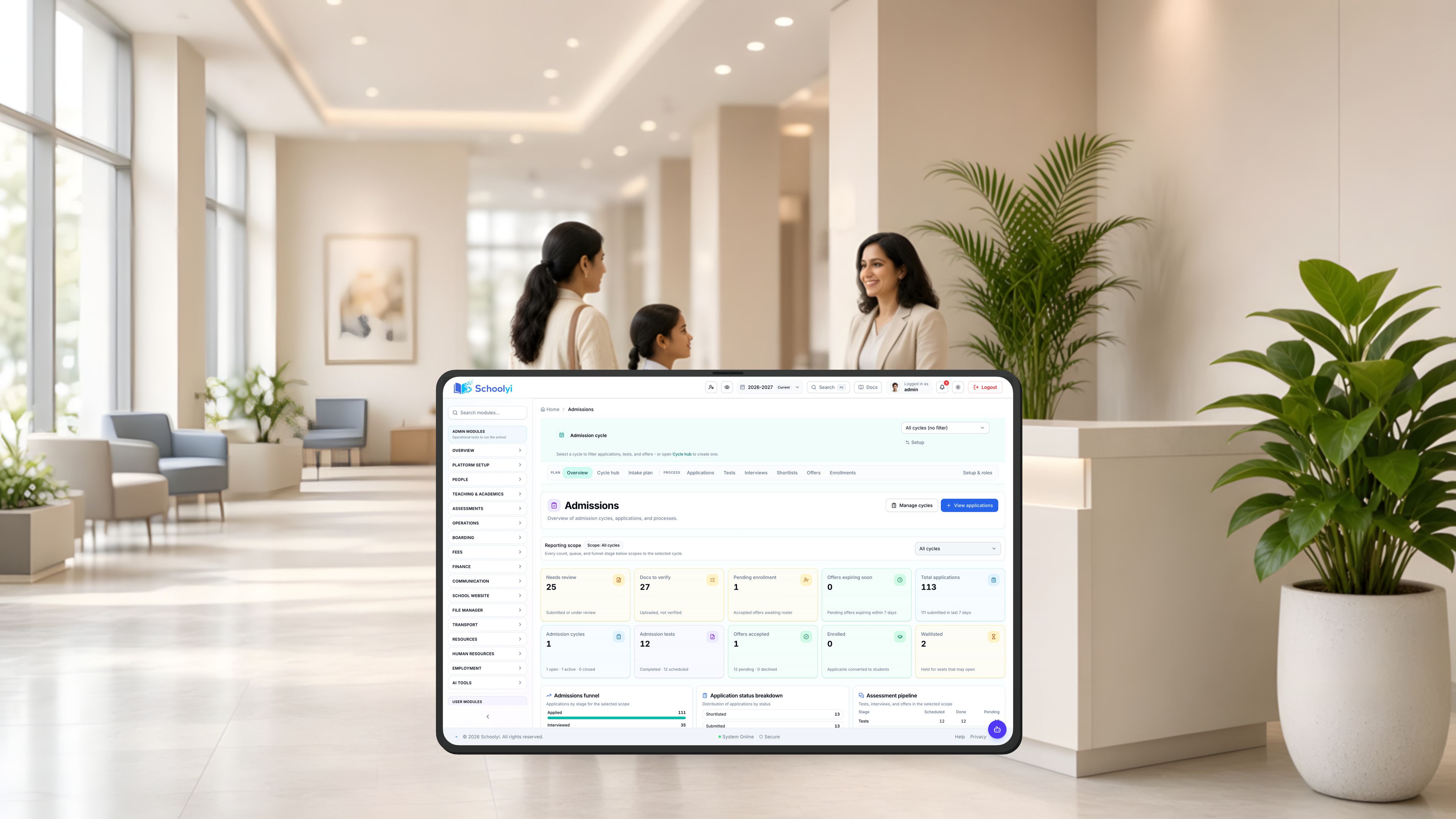
    • Admissions funnel from apply through enrollment
    • Reports across attendance, fees, grades, and rosters
    • My School overview and leadership dashboards
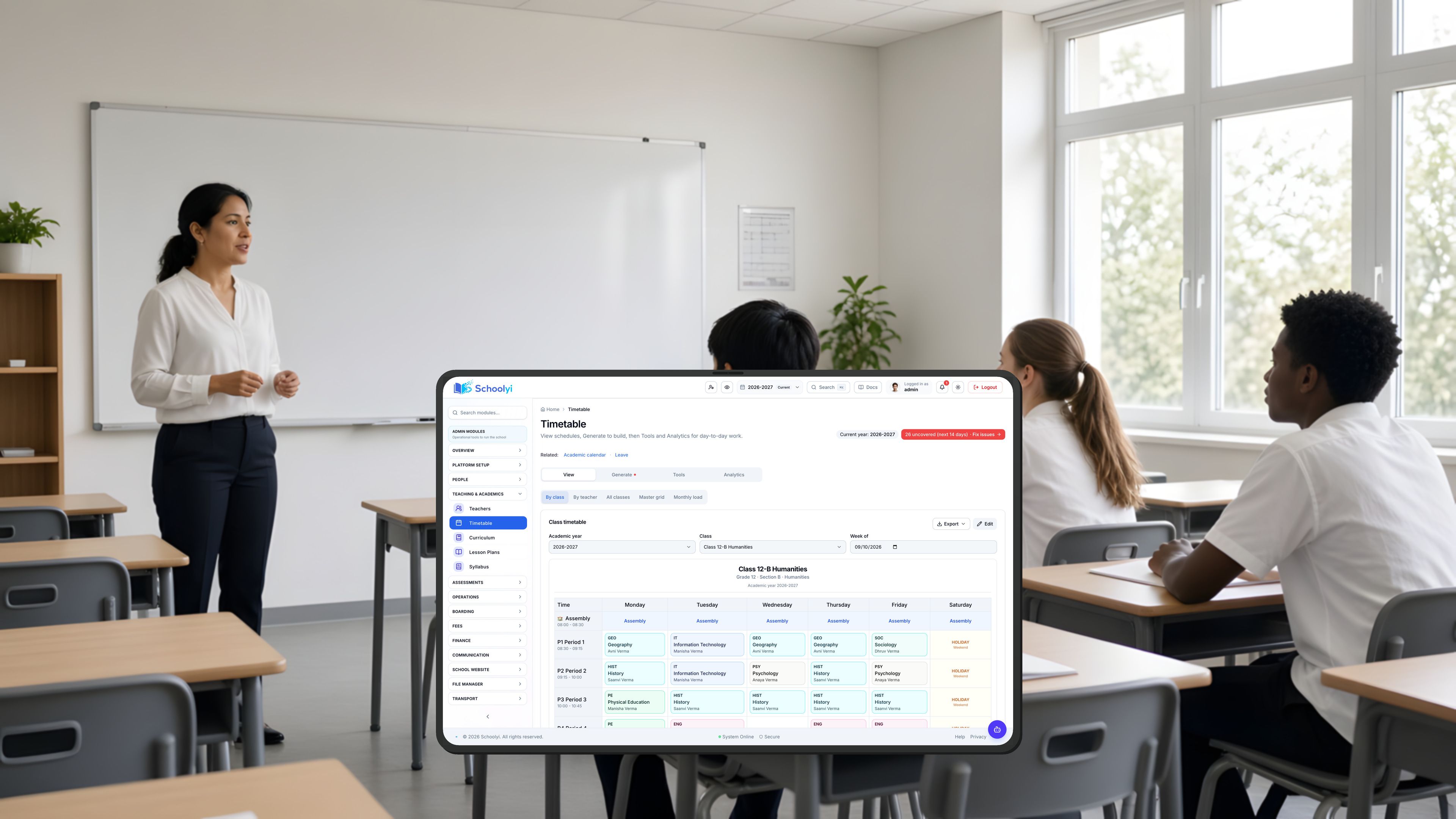
  • Teacher helping students review lesson materials in a classroom

    Teachers & academic staff

    Class context for everything you teach

    Open a class-aware workspace for attendance, homework, grades, and exam duties. Pick up the next teaching task without switching between tools.

    • Homeroom hub and My Class exam readiness
    • Homework, grades, and study materials in one place
    • Exam papers, setter tasks, and invigilation queue
    • Lesson plans aligned to the academic calendar
  • School bursar reconciling fee receipts and records at an office desk

    Office & finance teams

    Structured fees, receipts, and back office finance

    Move from fee structures and receipts to payroll, budgets, and vendor bills with a clear trail for each transaction.

    • Fee types, installments, waivers, and defaulter views
    • PDF receipts, tax aware invoices, and email delivery
    • Budgets, expenses, cash flow, and vendor AP
    • Payroll runs with payslip PDF and statutory export
  • Parent and student walking to school with backpacks

    Parents & students

    Portals that surface what families need

    Give families one place to check fees, attendance, grades, assignments, and what happens next for each child, with public admissions for families not yet enrolled.

    • Parent dashboard for multi child fees and academics
    • My fees, My grades, My attendance, My exams
    • Public admissions apply and track pages
    • Fee receipts and report card downloads

Next steps

Ready to see your school’s workflow?

Tell us what you want to improve first. We will show the relevant workflow and explain the rollout path for your school.

Book a focused demo

See the workflows your team wants to improve, with a walkthrough shaped around your school.

  • Live walkthrough on your priority workflow
  • Rollout order matched to your school
  • Licensing scoped to your size and boards
Book a demo

Ask a question

Need a quick answer before booking? Send us your question about fit, pricing, migration, or support.

  • Pricing and module scope
  • Migration and data handling
  • Rollout and support
Contact us

Already using Schoolyi? Sign in

Questions about Schoolyi

Straight answers for principals and operations leads evaluating school management systems.

How does Schoolyi support a phased rollout?+

Start with the workflows that matter most, such as admissions, roster, or fees, and launch a useful first phase.

Add academics, exams, HR, or operations when your team is ready; roles control which modules each user sees from day one.

How does migration from spreadsheets or another system work?+

We scope the starting data, clean-up work, and import steps with your team before rollout.

The implementation plan prioritizes the records and workflows needed for your first launch phase, with a clear owner for each data decision.

How is access to student and finance data controlled?+

Role-based access limits each user to the modules and records their work requires.

Sensitive actions such as fee adjustments, mark entry, and exam publishing stay behind staff permissions and review steps, so a school can separate daily work from approval work.

How do families interact with the school?+

Guardians use one parent login for fees, receipts, attendance, published grades, and school updates across their children.

Prospective families can apply and track admissions before enrollment, giving the front office one place to continue the conversation.

What support is included during rollout?+

We help shape the launch sequence, prepare the required data, and walk your team through the priority workflows.

The demo and proposal make the implementation and support assumptions clear, so leadership can evaluate the project beyond the software licence.

How is licensing priced?+

Licensing matches your school size, boards, campuses, launch modules, migration needs, and support scope.

Contact us for a quote built around your rollout rather than a public self-serve tier list, whether you are comparing school management software or a broader school ERP.

Buyer and rollout guides

Plan your move to a connected school platform

Practical guidance for comparing school software, planning migration, and improving admissions, fees, exams, and family workflows.

Browse all articles